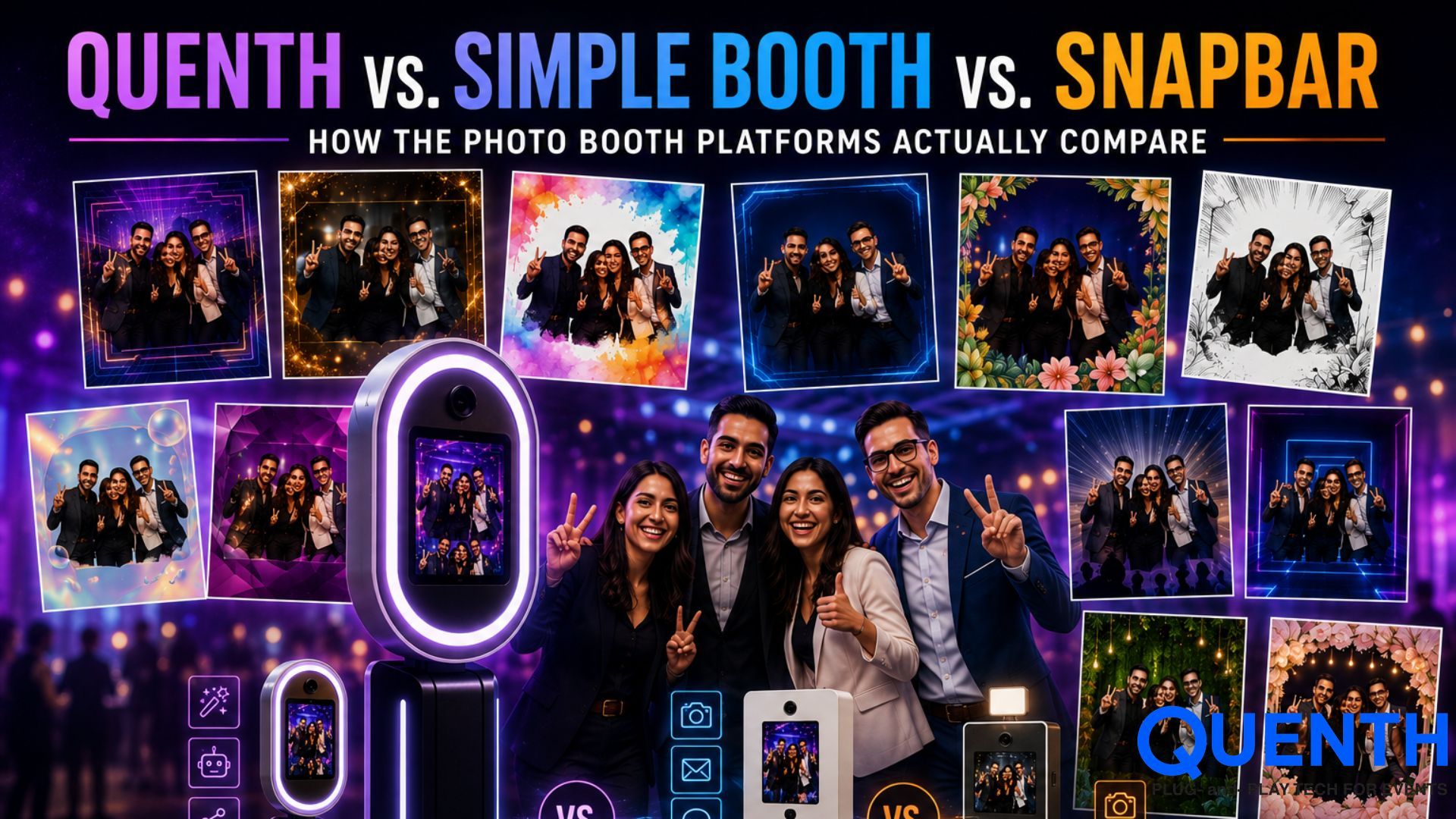
Quenth vs. Simple Booth vs. Snapbar: How the Photo Booth Platforms Actually Compare
Introduction
The world today is a global village, contracting further and further. Every event must leave a digital footprint, or it might as well not have happened. Virtual audiences and remote participants must be accounted for.
If you're evaluating photo booth software for an event, three names come up often: Simple Booth, Snapbar, and Quenth. All three do AI photo booths. Past that, they're built around genuinely different ideas of what a "photo booth platform" should be — and the differences matter more once you look past the booth itself.
Here's an honest, feature-by-feature look.
The short version
Simple Booth
Simple Booth is booth software, built around iPad and DSLR hardware, with a strong Layout Designer and AI effects layered on top of a traditional photo booth workflow.
Snapbar
Snapbar is a broader, fully web-based experiential platform — booths, headshots, AI video, and displays, no hardware required, accessed via QR code or link from any device.
Quenth
Quenth is a full event experience platform where Booths is one of five connected engines — Booths, Walls, Lead Capture, Crowdplay, and AI Bots — all sharing one data layer, so a guest's information can flow into a photo, a wall, a live screen, or a game, automatically.
Feature comparison of photo booth platforms
| Feature | Simple Booth | Snapbar | Quenth |
|---|---|---|---|
| Hardware required | Yes — iPad + optional DSLR/HALO hardware kit | No — fully web-based, any device with a browser and camera | Works both ways — iPad kiosk or guest's own device |
| AI photo styles | Yes — AI effects, background replacement, AI-generated prompts | Yes — AI portraits, AI Stories, Persona Quiz, Trading Cards | Yes — full style catalog (see our AI photo booth styles guide) |
| AI video | Not a core focus | Yes — AI Video Booth, photo-to-video generation | Yes — AI Video Booth (see our AI vs. traditional video booth guide) |
| Lead capture | Yes — name, email, phone | Yes — includes role, company, LinkedIn, custom fields | Yes — feeds directly into every other engine, not just stored separately |
| Live displays / walls | Not a core product | Yes — Displays, Live Slideshow, Social Walls, Mosaics | Yes — full Wall catalog, see our content wall guide |
| Live event gamification (quizzes, polls, leaderboards, spin wheel, lucky draw) | Not offered | Not offered | Yes — Crowdplay engine |
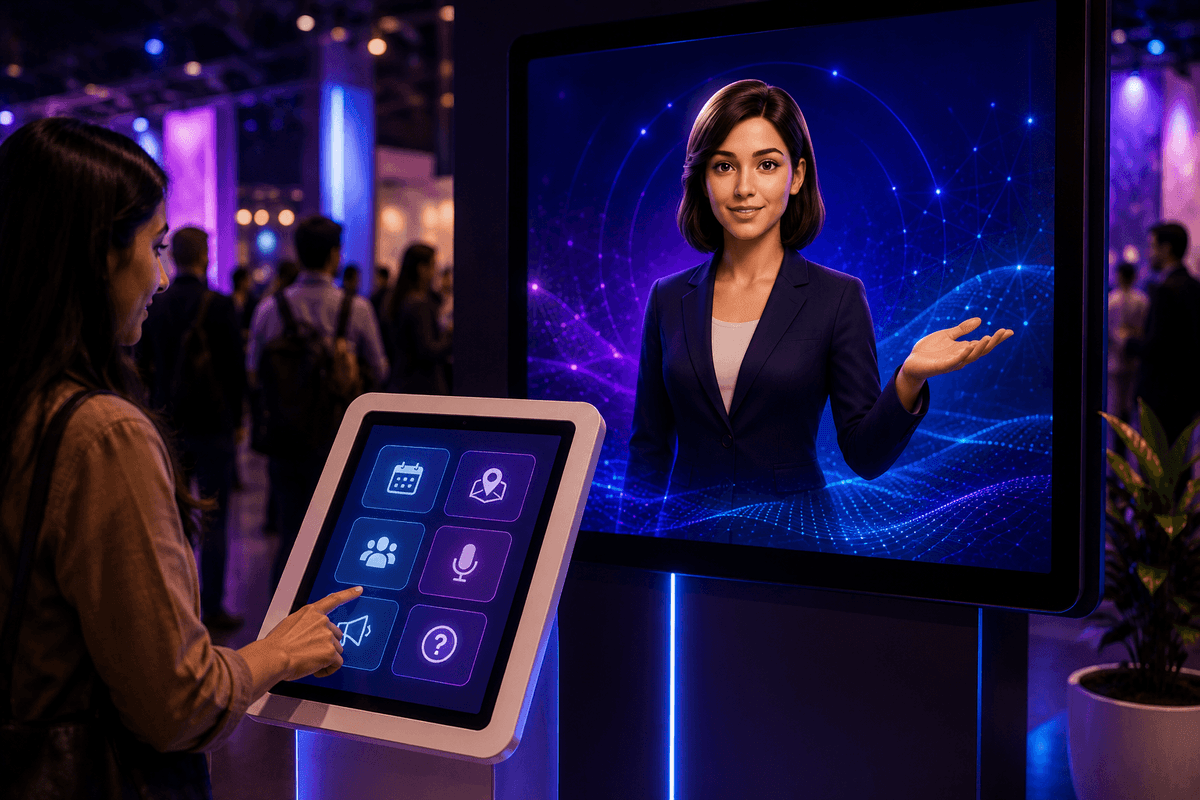
| AI conversational bot (info kiosk, Q&A, guided experiences) | Not offered | Not offered | Yes — AI Bots engine |
| Dynamic, data-driven templates | Custom layouts via Layout Designer, not confirmed as live-data-driven | Persona-driven outputs (quiz/story inputs shape the AI result), not confirmed as free-form data-to-template rendering | Yes — Dynamic Overlay, any Lead Capture field renders live onto the template |
| Pricing model | Weekly/monthly software plans plus separate hardware costs | Quote-based, not publicly listed | Demo-gated tiers, from event-pass to enterprise |
Where each one genuinely wins
Simple Booth's real strength is depth on the booth itself — DSLR support, a mature Layout Designer, and a decade-plus of experience specifically in booth hardware and software. If the entire need is "a great AI photo booth, nothing more," it's a capable, focused option.
Snapbar's real strength is breadth without hardware — a fully web-based platform that can run booths, headshots, AI video, and live walls, all accessible via QR code with no iPad or kiosk required. For teams that want a no-hardware, browser-based activation across multiple formats, that's a genuinely strong pitch.
Where Quenth is different isn't the booth itself — it's what the booth connects to. Neither Simple Booth nor Snapbar currently offers live event gamification (quizzes with real-time leaderboards, live polls, spin wheels, lucky draws) or a conversational AI bot as part of the same platform. And the Dynamic Overlay concept — any piece of guest-entered data rendering live onto a photo or print template, not just a preset layout — isn't something either platform markets today.
That matters because most events don't just need a photo booth. They need registration, engagement, a big screen, and a booth, and right now, getting all of that usually means stitching together two or three separate vendors. Quenth's bet is that those shouldn't be separate products at all.
Want to see how Quenth's connected engines actually work together? Book a demo and we'll walk through a live flow — booth to wall to lead capture — in one session.
FAQs about photo booth platforms
Does Simple Booth require an iPad?
Yes — Simple Booth's HALO software runs on iPad, with optional DSLR camera support and dedicated hardware kits available separately from the software plans.
Is Snapbar hardware-free?
Yes — Snapbar is fully web-based and works on any device with a browser and camera, accessed via QR code or link, with an iPad kiosk as an optional (not required) setup.
Do Simple Booth or Snapbar offer live event games like quizzes or lucky draws?
Not as part of their current core offering — both are centered on photo, video, and AI-generated content, not live event gamification.
What makes Quenth's Dynamic Overlay different from a custom template?
A custom template (available on most platforms) is designed once and looks the same for every guest. A Dynamic Overlay renders guest-specific data — captured live through Lead Capture — directly into that template, so the output is different per guest without any manual redesign.
Related Articles




Your next event deserves better than the last one.
Twenty minutes. We'll show you what your event could look like if every photo carried a name, every display carried a face, and every output left attendees feeling seen.