Welcome Wall: Reimagining the Check-In Experience
Introduction
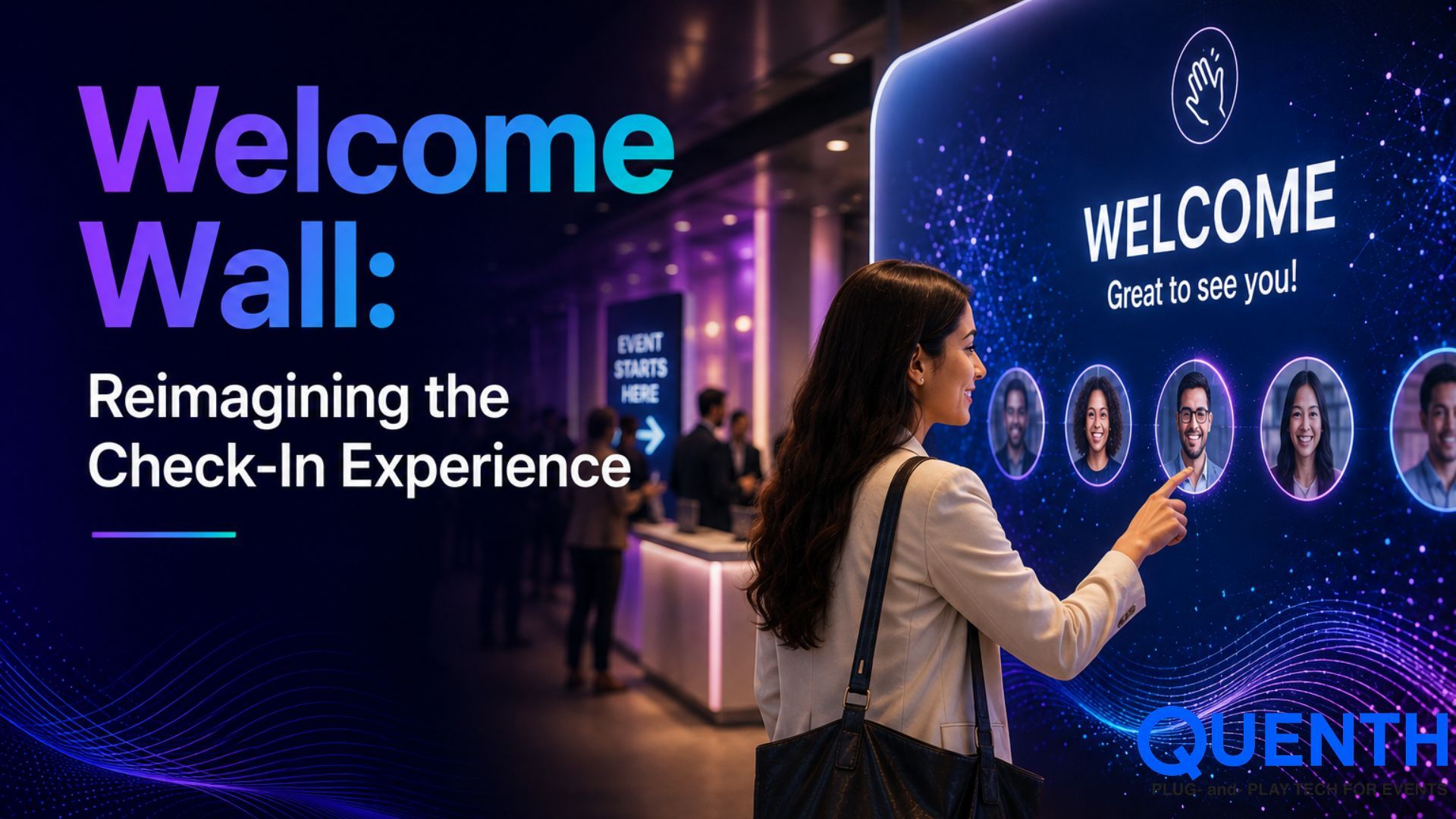
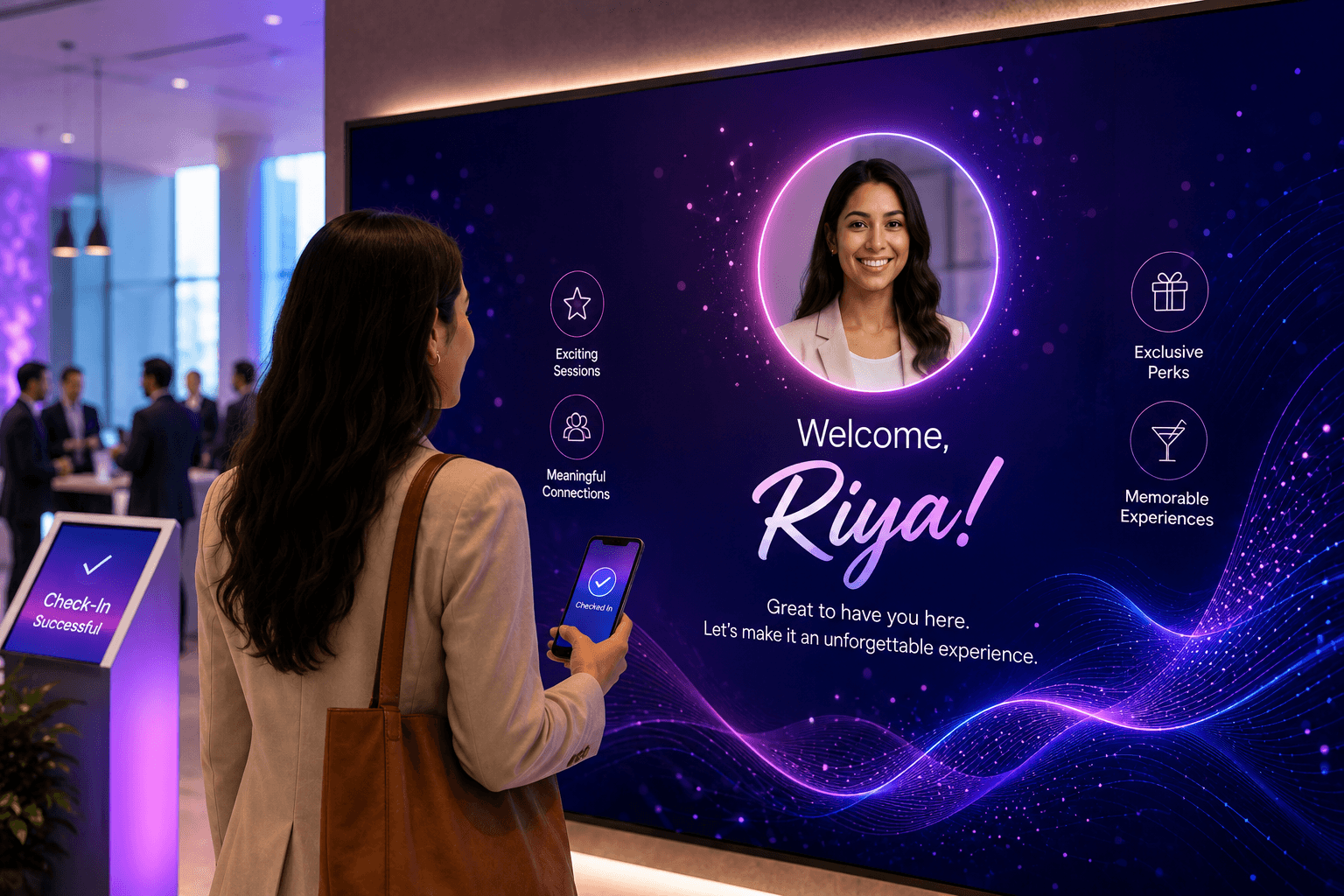
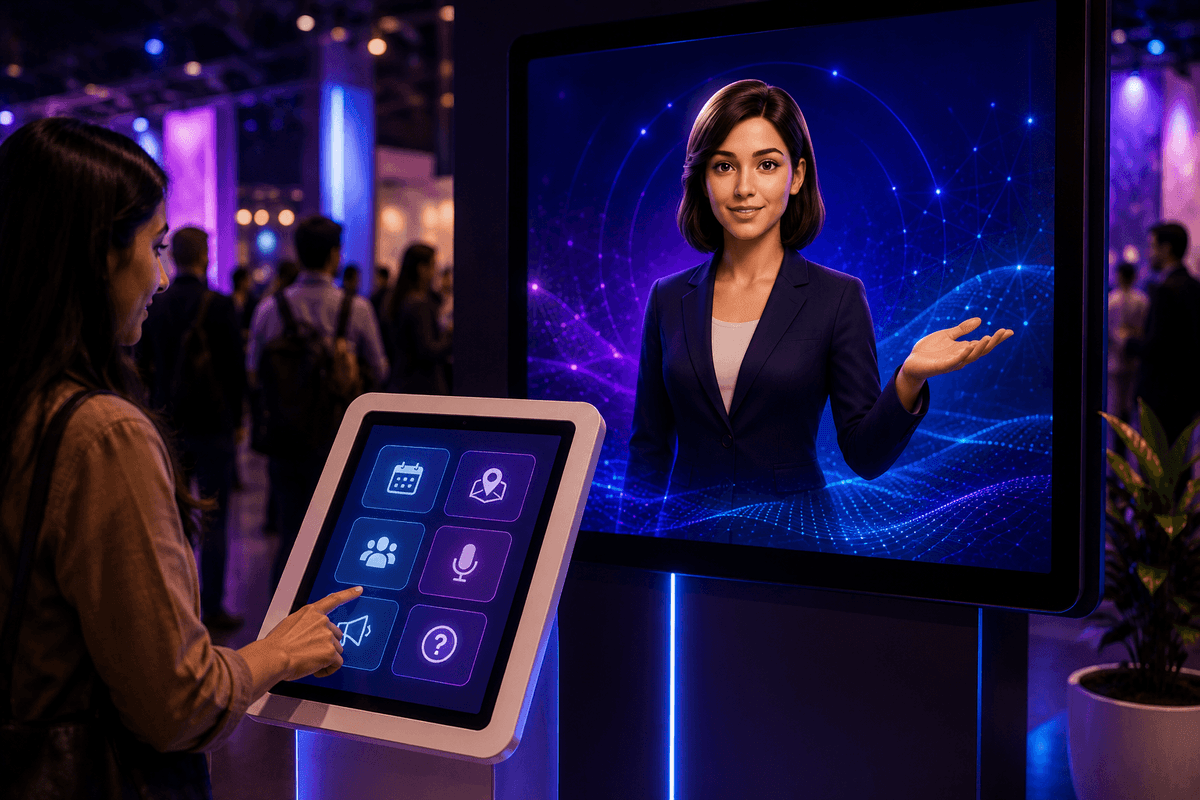
A Welcome Wall is an interactive display that features a guest's name on a giant screen the moment they step in. This action is triggered automatically when event registration takes place through a QR code scan or face recognition, without any manual step in between. The moment a guest walks in, or is recognised, their name is displayed on the live screen, "Welcome, Manish."
The primary idea is to make it a central piece to an event considering how it makes check-in a connected experience within an event, quite visibly.
Decoding a Welcome Wall
Majority of the events have event registration and the big screen as completely distinct systems. Registration tracks who has arrived, whereas, the screen displays a slideshow, brand logo or some other details which are disconnected from who has actually walked through the door at that moment. The data is present, however, it never makes it to the big screen.
A Welcome Wall by Quenth bridges that gap. The check-in which logs attendance is the same event that uses the data for the big display, not a separate step someone has to manually work through. All that needs to be done is a basic QR scan, and there goes the welcome message, up on the screen.
The Welcome Wall, Explained
- 1 Check-in Begins: Through a QR code scan or face-recognition-based access, the guests begin to check-in as a part of the standard lead capture step.
- 2 Acknowledging the Attendee: The guest is instantly recognised from their existing registration record.
- 3 The Trigger is Initiated: The Welcome Wall system takes the hint and develops a live welcome message, personalised with the name, and an optional photograph, if one was captured during event registration.
- 4 Automated Display Updates: The Welcome Wall display is updated automatically without any delay or need of manual intervention.
The process is efficient and effective considering it is automated, without any need of a dedicated team to manually record the names and prepare a slideshow on the spot.
Each Welcome, Turned into an Experience
Once check-in is wired into a display, a few variations along the same idea can be used to highlight special welcome messages, some instances are as below:
VIP Welcome
The same trigger is used with an elevated animation and a longer screen time for priority guests.
Milestone Welcome
The messaging language changes based on first-time attendees versus guests who've been a part of past events, for instance — "Welcome back, Manish!"
Group Welcome
For a company or teams, check-ins are made to sound different with a live running tally feature as each group arrives.
Live Countdown Welcome
The welcome message is paired with a live guest counter. For instance, something like — “You are guest number 348 today!”
Wearable-Triggered Welcome
The same flow is triggered by an RFID band or a wearable badge tap instead of a QR scan.
To understand these concepts in depth, you might want to head to our full guide to content walls where we elaborate all variations on the same underlying trigger, not separate builds.
Beyond an Ordinary Experience
Most registration platforms treat check-in as a data collection event which may be used for reporting later, but remains irrelevant in the moment. A Welcome Wall makes registration an integral part of the actual guest experience, not just the back-end record of it. It is an organised, concrete way to understand what we mean when we say registration on Quenth isn't a standalone form, but it is connected to Booths, Walls, and the rest of the platform, as discussed in detail in our registration and lead capture guide.
Conclusion
The Welcome Wall is built around a simple idea: the first few moments of an experience matter to make it memorable.
Instead of considering event registration as a routine step, it turns arrival into a moment of recognition. Each check-in becomes a chance to make guests feel seen and welcomed, like a part of a greater story which is yet to be unfolded.
That is what makes the Welcome Wall unique. It is not a mere record of arrival, but a resource which reshapes their experience through a personal touch. It can indeed be said that a great experience doesn’t begin when the event starts, but the moment someone arrives.
Looking to experience a Welcome Wall trigger live, in real time? Book a demo and we will get you a spot.
FAQs
1. Is face recognition required for using a Welcome Wall?
Face recognition is optional. A welcome wall can operate well using either a QR scan or face recognition, both of them work just fine.
2. Do guests need to upload images in order to have their details displayed on the Welcome Wall?
No, it is not a necessity. A Welcome Wall can work even with just the guest's name. A photograph is an optional addition, if one was captured during event registration.
3. How long does it take for a guest's name to be displayed after check-in?
The display is updated right after the check-in details are received. There are no manual steps involved, nor is there any batch delay.
4. Can a Welcome Wall work with a high volume of guests arriving at once?
Yes, absolutely. Since the trigger works through automation, it is directly connected with each check-in event, and it scales with however many guests are checking in, without needing manual intervention per person.
Related Articles




Your next event deserves better than the last one.
Twenty minutes. We'll show you what your event could look like if every photo carried a name, every display carried a face, and every output left attendees feeling seen.