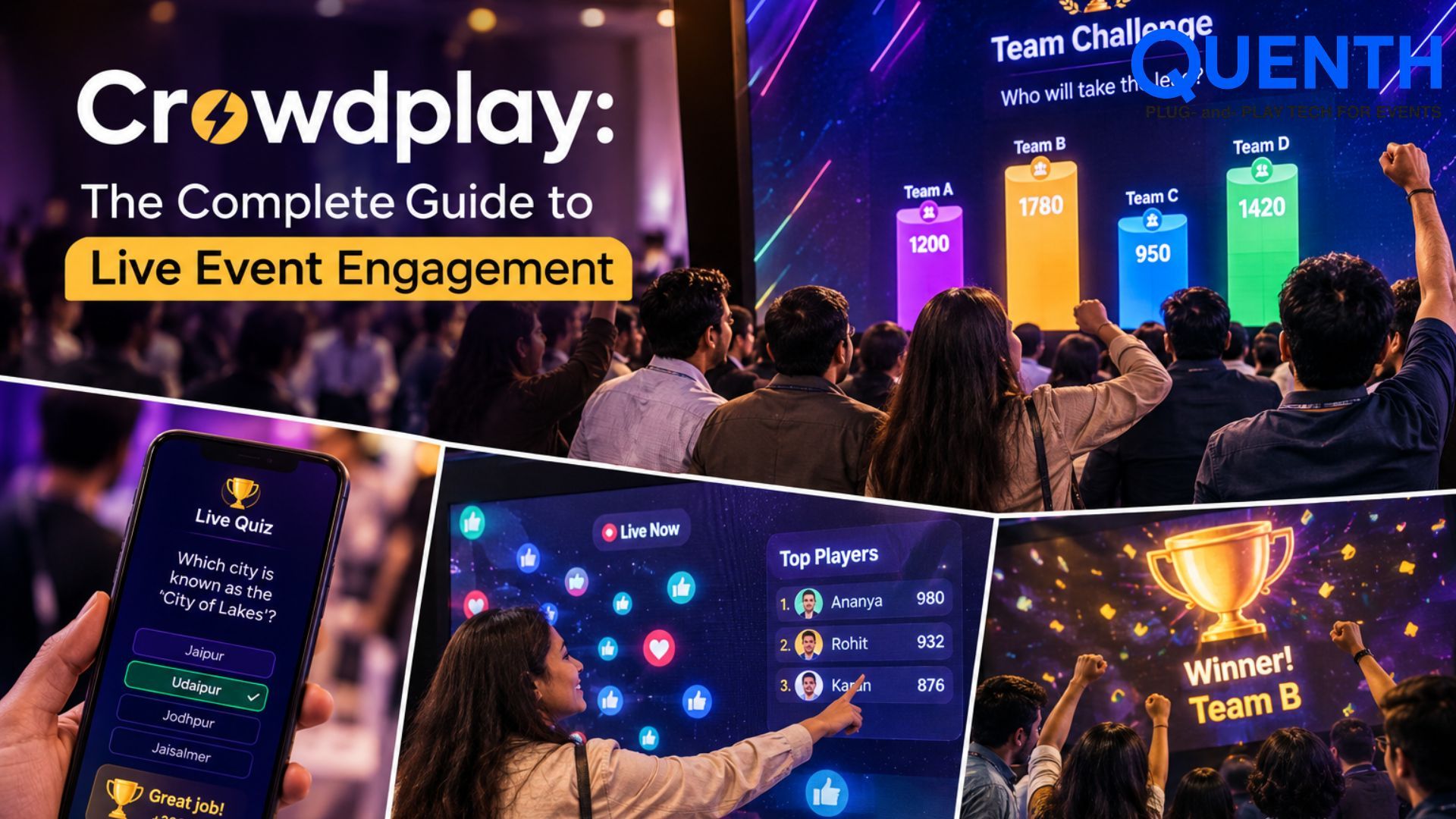
Crowdplay: The Complete Guide to Live Event Engagement
Introduction
Most event platforms treat engagement as a feature bolted onto registration — a poll widget here, a basic quiz there. Crowdplay by Quenth is the opposite starting point: it's a full audience engagement engine, seven modules deep, each one standalone, built to be the reason people remember your event, not a checkbox next to the ticketing system.
Here's everything it covers.
Benefits of Crowdplay
- ✓ Boosts Audience Engagement: Turns passive attendees into active participants through polls, quizzes, games, voting, and interactive activities.
- ✓ Creates Memorable Experiences: Interactive experiences give guests something to participate in and remember, rather than simply watching a presentation.
- ✓ Improves Sponsor Visibility: Branded games, sponsor polls, and interactive activations can give sponsors a more engaging way to connect with the audience.
- ✓ Encourages Real-Time Interaction: Organizers and speakers can instantly see what the audience thinks, feels, or prefers and respond accordingly.
- ✓ Supports Different Event Formats: Crowdplay can be used across conferences, product launches, exhibitions, award ceremonies, corporate events, festivals, and brand activations.
- ✓ Extends Engagement Beyond the Event: Digital interactions, results, photos, and shareable experiences can continue the conversation even after the event ends.
Live quizzes
Seven formats, not one generic quiz builder: AI Quiz (questions generated live by AI as the game runs, not pulled from a pre-built bank), Standard MCQ, Knockout (wrong answer, you're out), Speed Round (fastest correct answer wins), Picture/Audio Round, True/False Rapid Fire, and Team Relay (one teammate answers per turn, baton passes down the line).
Each comes with its own scoring logic, timing, and reveal style — a knockout quiz needs an elimination funnel, a speed round needs a scoring curve, an AI Quiz needs a live generation pipeline that keeps pace with the room. These aren't reskins of the same builder; they're genuinely different mechanics.
Live polls + word cloud
Six formats here too: Single-choice, Multi-select, Rating/Slider, Open-Text Word Cloud, Ranking, and Live Sentiment Meter.
Polls aren't just data collection — results can push live to a wall, and the Sentiment Meter in particular runs as an ongoing pulse-check through the whole event, not a one-time question.
Spin the wheel
Five distinct wheel types: Prize Wheel, Sponsor-Branded Wheel (equal-exposure segments for paying sponsors), Trivia Wheel (spin picks a category, then you answer to win), Mystery Wheel (segments hidden until they land), and Discount/Offer Wheel (real coupon codes with redemption rules).
Each has its own settings — a sponsor wheel needs fairness controls a prize wheel doesn't; a mystery wheel needs a reveal-flip animation a discount wheel doesn't.
Lucky draw
Three ways to run a draw: QR-Triggered Instant Draw (self-serve, no organizer needed), Tiered Prize Draw (small/medium/grand prize sequences, escalating drama), and Countdown Drama Draw (the big-screen suspense moment — countdown, shuffle, reveal, celebration).
Same underlying draw mechanic, three completely different guest experiences depending on whether the moment is meant to be shared with a crowd or private to one person.
Tombola
The classic raffle, digitized: Classic Ticket-Stub Draw, Digital Ball Draw (animated), Multi-Tier Draw (bronze/silver/gold), Table/Team-Based Draw, and Countdown Reveal Draw.
Where Lucky Draw leans toward instant or dramatic single-winner moments, Tombola is built for the traditional batch-raffle feel — numbers pooled together and drawn as a set, often at one set moment near the end of an event.
Excitometer
The crowd becomes the input. Guests cheer, shout, or make noise, and a live intensity meter tracks it in real time on the big screen. When the noise hits peak intensity, it triggers the next moment automatically — a sponsor reveal, a prize unlock, a segment launch.
It's the one Crowdplay module where the "answer" isn't typed or tapped at all — it's how loud the room actually gets.
Interactive presentations
A presenter builds a deck — a Live Q&A wall with crowdsourced upvoting, a brainstorm/idea board, slide-by-slide live voting, audience-driven agenda picks, live word association — and drives it live, at their own pace, in front of a room. As the presenter advances their screen, every guest's phone follows automatically, moving to the next slide in sync, with each response saved and tied to a name if one was given, or logged anonymously if not.
Seven modules, not one bundled tool
Crowdplay is built as seven standalone modules — Quiz, Live Polls + Word Cloud, Spin the Wheel, Lucky Draw, Tombola, Excitometer, and Interactive Presentations — each one working at full depth on its own, not as a feature tucked inside a bigger tool.
That matters in practice. A school running a class quiz gets a QR code and a quiz that runs by itself — nothing else required. A corporate event running an elaborate branded experience gets the same quiz module, fully connected to booths, walls, and print outputs. Same depth, either way, with nothing to work around and nothing to compromise on.
One entry point, every module
Across almost every Crowdplay format, guests get in the same few ways: a QR code, a short access code, or face recognition. Organizers shouldn't need to teach guests seven different ways to join seven different games — learn the entry once, and it carries across whichever module is running that hour.
Conclusion
Crowdplay transforms events from passive experiences into interactive, memorable moments. By combining live polls, quizzes, games, lucky draws, and real-time audience interactions, it keeps guests engaged while creating valuable experiences for organizers and brands. With the right format, every event can become more dynamic, participatory, and memorable.
Book a demo and we’ll show you what you can do with Crowdplay for your next event.
Frequently Asked Questions
Is Crowdplay just quizzes and polls?
No — it spans seven Quiz formats (including a live AI-generated quiz), six Poll/Word Cloud formats, five spin-the-wheel variants, three Lucky Draw types, five Tombola formats, the Excitometer, and Interactive Presentations — each a standalone module, not a reskinned version of the same builder.
How is Crowdplay different from Mentimeter?
With Mentimeter, a quiz or poll typically lives inside a presentation-style flow. With Crowdplay, every module — quiz, word cloud, polls, lucky draw, spin the wheel, tombola, the Excitometer — stands on its own at full depth, and connects to booths, walls, and print outputs through the same shared data layer. You get a standalone tool when that's all you need, and a fully connected experience when you want more, without switching platforms for either.
What's the difference between Lucky Draw and Tombola?
Lucky Draw is built for instant or dramatic single-winner moments — a QR scan triggers a result immediately, or a countdown builds to one big reveal. Tombola is built for the traditional batch-raffle feel — numbers pooled together and drawn as a set, often near the end of an event.
How does the AI Quiz generate questions live?
Rather than pulling from a pre-built question bank, the AI Quiz generates each question as the game runs, keeping pace with the room in real time instead of relying on questions written in advance.
Can Crowdplay results show up on a live screen?
Yes — poll results, quiz leaderboards, sentiment readings, Excitometer intensity, and draw reveals can all push to a Wall engine display in real time.
Does Crowdplay work for both in-person and virtual events?
Yes — every format works on guest devices or booth iPads, and results can display on physical screens or virtual event pages alike.